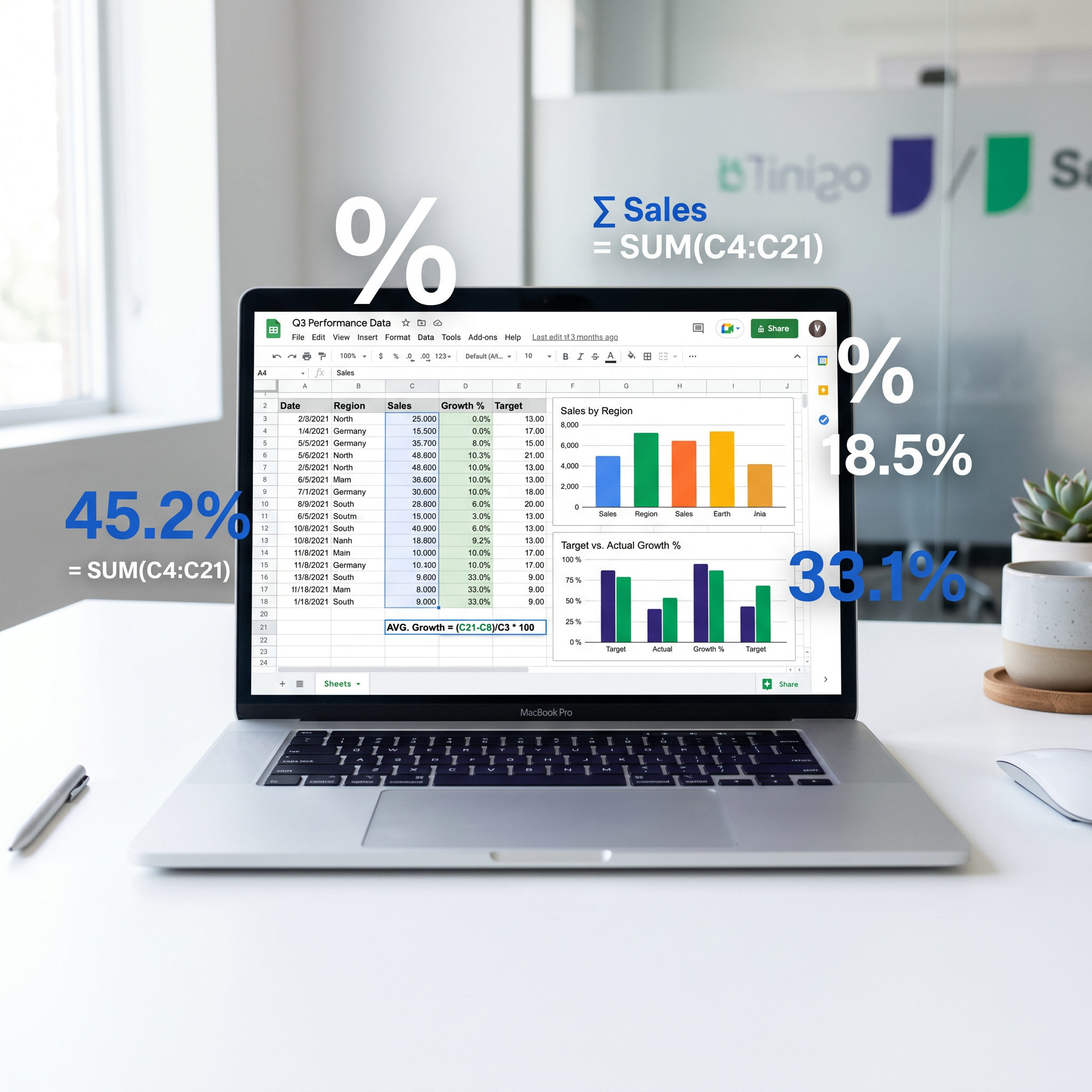
Google Sheets Percentage Formula: Ultimate Guide to Calculate Percentages, Percent Change & Totals
Why Mastering Percentages in Google Sheets Changes Everything
Imagine you're crunching sales numbers for your small business, tracking grades for a class project, or analyzing quarterly reports in the office. Suddenly, a simple percentage slips through the cracks, and your entire dashboard unravels. Sound familiar? Percentages aren't just numbers—they're the lifeblood of data-driven decisions. Yet, many office workers, students, and entrepreneurs stumble over the Google Sheets percentage formula, turning straightforward tasks into frustrating guesswork.
This ultimate guide flips the script. We'll walk you through every essential formula to calculate percentage in Google Sheets, from basics to advanced percent change calculations. With copy-paste-ready examples, real-world scenarios, and pro tips, you'll wield spreadsheet formulas like a pro. No more fumbling—let's dive in and transform your sheets into precision tools.
Step 1: The Foundation – Basic Percentage Calculations
At its core, calculating a percentage means dividing a part by the whole and multiplying by 100. In Google Sheets, the Google Sheets percentage formula boils down to this powerhouse: = (part / whole) * 100. But why stop at math when Sheets can auto-format it as a crisp percentage?
Copy-Paste Formula: Simple Percentage
Say cell A1 holds 25 (your sales) and B1 holds 200 (total leads). In C1, enter:
= (A1 / B1) * 100This spits out 12.5. To display as 12.5%, select the cell, go to Format > Number > Percent. Boom—professional polish without extra effort.
- Pro Tip: Use
=A1/B1alone, then format as percent. Sheets handles the *100 magic. - Real-World: A student tracking quiz scores? Part = score, whole = total points.
Picture a barista logging tips: 15 bucks on a 100-dollar shift. Formula in action, and you've got 15% efficiency at a glance.
Percentage of Total in Google Sheets: Your Data Summarizer
Ever needed to see how one slice stacks up against the pie? Enter percentage of total Google Sheets formulas. Ideal for budgets, market shares, or expense breakdowns.
Formula for Percentage of Total Column
With expenses in A2:A10, total in A11 (=SUM(A2:A10)):
=A2/$A$11Format as percent. The $ locks the total cell for drag-fill magic across rows. Suddenly, your small business rent (30%) dominates visually over coffee runs (5%).
- List expenses in column A.
- Total at bottom:
=SUM(A2:A10). - Drag the formula down B column for instant breakdowns.
"It's like giving your data a voice—each percentage tells a story of priorities."
For dynamic totals, swap $A$11 with SUM($A$2:$A$11) to auto-adjust.
Sheets Percent Change Formula: Track Growth Like a Pro
Sales up? Grades dipping? The sheets percent change formula reveals the story behind the numbers. Perfect for percent increase Sheets or percent decrease Sheets.
Core Percent Change Formula
Old value in A1, new in B1:
=(B1 - A1) / A1Format as percent: +25% surge or -10% dip, crystal clear. For a column of months:
=(B2 - A2) / $A$2Lock the old value with $ for sequential changes.
Percent Increase/Decrease Specifics
- Percent Increase Sheets: Same formula—positive results shine.
- Percent Decrease Sheets: Negative? It auto-shows the drop.
Office scenario: Q1 revenue $5,000 (A2), Q2 $6,200 (B2). Formula yields 24% growth. Drag down for trends that impress bosses.
Advanced Google Sheets Math: Cumulative Percentages and More
Level up with Google Sheets math for running totals or weighted averages.
Cumulative Percentage
Sales data in A2:A10. Running total in B2: =SUM($A$2:A2). Cumulative % in C2:
=B2 / $A$11Watch progress climb: 20% by week 3, 75% by month-end. Students love this for project milestones.
Percentage Difference Between Two Values
=ABS((B1 - A1) / A1)ABS ignores direction for pure magnitude.
Formatting and Common Pitfalls: Polish and Pitfalls
Beauty in brevity: Right-click cells > Format > Percent (2 decimals standard). Custom? Format > Number > More Formats.
- #DIV/0!: Add IFERROR:
=IFERROR((B1-A1)/A1, "N/A"). - Zero denominators? Guard with
=IF(A1=0, 0, (B1-A1)/A1). - Drag-fill fails? Check relative vs. absolute references ($).
Pro move: Conditional formatting—green for increases, red for decreases. Select range > Format > Conditional formatting > Color scale.
Quick Wins: Use Our Percent Change Calculator
Sheets shines for datasets, but one-offs? Skip the setup. Try our free Percent Change calculator—plug in old/new values, get instant results. Perfect complement for busy pros verifying Sheets work on the fly.
Wrap-Up: Percentages, Powered Up
From humble calculate percentage in Google Sheets to dynamic spreadsheet formulas, you've got the arsenal. Experiment with these in a blank sheet—sales forecasts sharpen, grades motivate, budgets balance. Next time data demands clarity, your Google Sheets percentage formula mastery will deliver. What's your first project? The numbers await.